Google Ads Services
Google Shopping Management
Shopping campaigns and a product feed built to sell at a profitable ROAS
Shopping ads put your product, price and image in front of people searching to buy. The results depend on three things: feed quality, campaign structure and bidding. I manage all three, starting with Merchant Center, so your products show for the right searches and your budget goes to the products that make money.
- Feed optimization: titles, attributes, product types, custom labels and disapproval fixes
- Campaigns segmented by margin and performance
- Purchase tracking verified so ROAS numbers are real
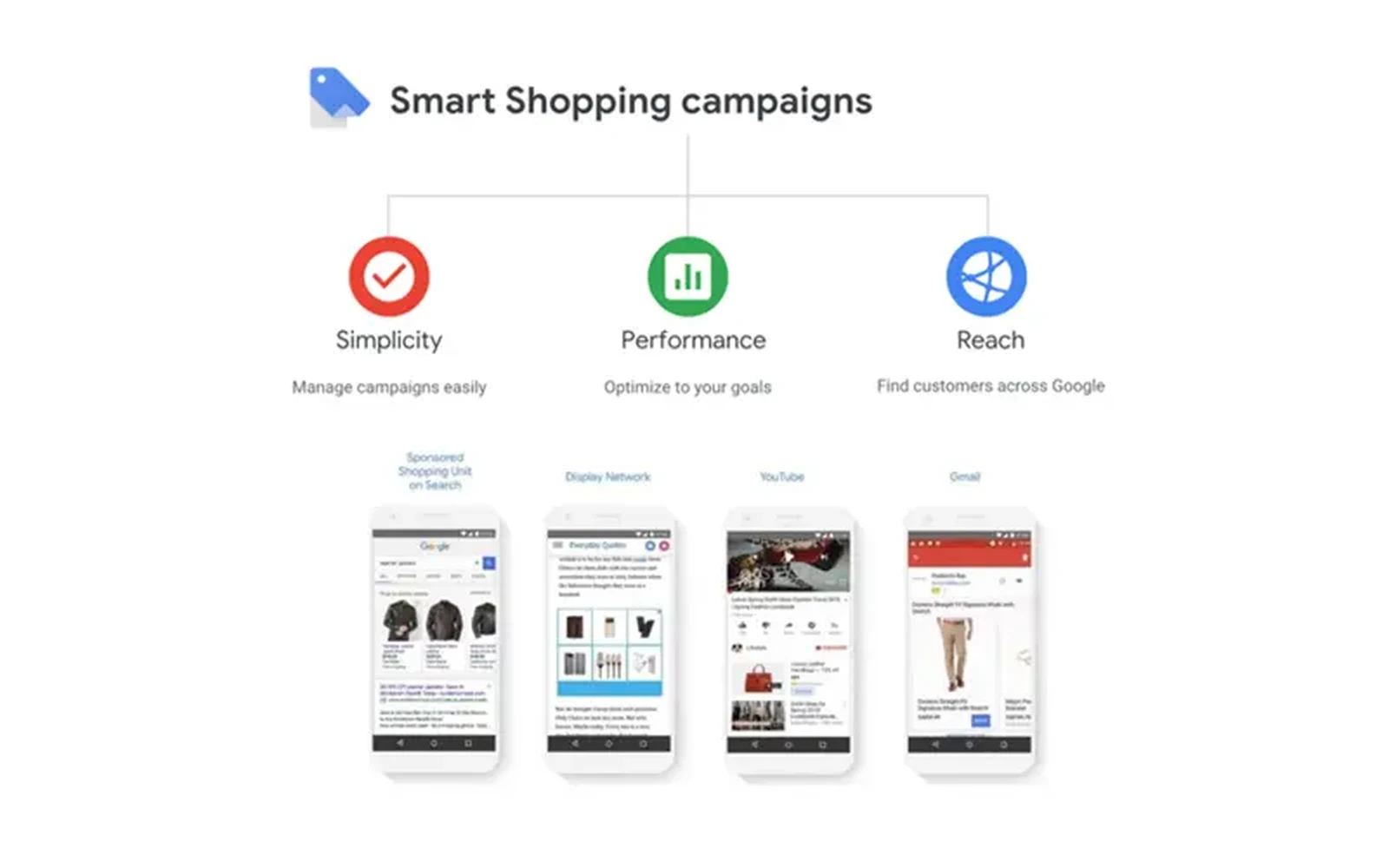
Google Shopping management starts with the product feed and ends with profit, not just ROAS. As a Google Shopping consultant, I handle Merchant Center, feed optimization, campaign structure and bidding, so your Google Shopping Ads management is built around the products that actually make you money.
Who this service is for
The businesses and situations where this makes the biggest difference.
- Shopify, WooCommerce, BigCommerce and Magento stores
- Brands with disapprovals or limited performance in Merchant Center
- Stores where a few products take all the budget
- Retailers who want Standard Shopping control alongside Performance Max
Problems this solves
The issues I find most often when reviewing accounts.
Product titles that do not match searches
Titles written for your website rarely include the words people search. Shopping relies on titles and attributes, so poor titles mean poor visibility.
Disapprovals and account warnings
Missing GTINs, price mismatches, shipping errors and policy issues keep products from showing and can put the whole account at risk.
Everything in one product group
One campaign with one bid for all products means low-margin and high-margin items compete equally. Profit suffers.
Wrong purchase values
Purchase tracking that includes tax and shipping, double counts orders or fires on refresh makes ROAS look better or worse than it is.
What is included in google shopping management
Merchant Center setup and cleanup
Account settings, shipping and tax, business information, policy compliance and resolution of disapprovals and warnings.
Feed optimization
Product titles rewritten with search terms, product types and Google categories corrected, attributes completed, and custom labels added for segmentation.
Supplemental feeds and rules
Feed rules and supplemental feeds used to improve data without changing your store.
Campaign structure
Standard Shopping campaigns segmented by margin, category, brand or performance with product groups and bids that fit each tier.
Bidding strategy
Manual CPC or Maximize Clicks to gather data, then target ROAS per campaign based on margin.
Search term management
Shopping search terms reviewed weekly with negatives applied so products show for buying searches, not browsing ones.
Promotions and ratings
Merchant promotions, product ratings and free shipping annotations set up where available to improve click-through rate.
Performance Max coordination
Standard Shopping and PMax structured so they complement each other rather than compete.
How it works
A clear process from first review to delivery.
Feed and account audit
Merchant Center diagnostics, feed quality and purchase tracking reviewed.
Fix and optimize the feed
Disapprovals resolved, titles and attributes improved, custom labels added.
Build campaigns
Segmented Shopping campaigns built with product groups and starting bids.
Optimize weekly
Search terms, bids, product performance and feed diagnostics reviewed every week.
Report
Revenue, ROAS and performance by product tier reported in a dashboard.
What you receive
- Merchant Center audit and fixes
- Optimized product feed with documented changes
- Segmented Shopping campaign structure
- Negative keyword lists for Shopping
- ROAS targets by product tier
- Reporting dashboard
Tools and platforms
Google Shopping Management: frequently asked questions
Standard Shopping or Performance Max?
Often both. Standard Shopping gives control over products and bids; Performance Max gives reach. The split depends on your catalog, margins and data.
Can you fix Merchant Center suspensions?
I review the reason, fix the underlying issue on the site or feed, and handle the review request. Some suspensions take time, and I am honest about what can be resolved.
Do you need access to my store?
For feed changes, usually feed rules and supplemental feeds are enough. For tracking, I need Google Tag Manager access and, on Shopify, access to set up the pixel or customer events.
How do you choose ROAS targets?
From your margins. I calculate break-even ROAS per product tier and set targets above it so growth is profitable, not just high in revenue.
How quickly do feed changes show results?
Feed updates are processed within a day or two. Visibility and performance changes usually show within two to four weeks as the new data accumulates.
Do you handle local inventory ads?
Yes, for retailers with physical stores who want Shopping ads to show in-store availability.
Which platforms do you work with?
Shopify, WooCommerce, BigCommerce, Magento and custom stores with a standard product feed.
Related services
Industries this service is used in
See all Google Ads services, browse case studies or get in touch.
Get a free Shopping and feed audit
I will review your Merchant Center diagnostics, feed quality, campaign structure and purchase tracking and show you the fastest wins.
Get In Touch
Let's Grow Your Business
Ready to scale? Send me a message and let's discuss your marketing goals.